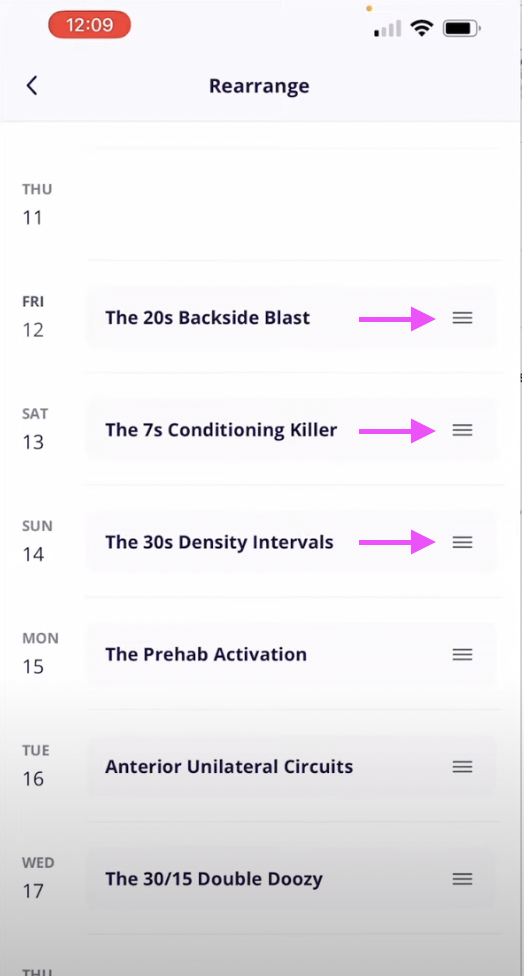

Here is how to rearrange your workouts inside Dynamic Strength.
Video Tutorial
Written Instructions
1. To rearrange your workouts to different days, click on the "Today" tab.
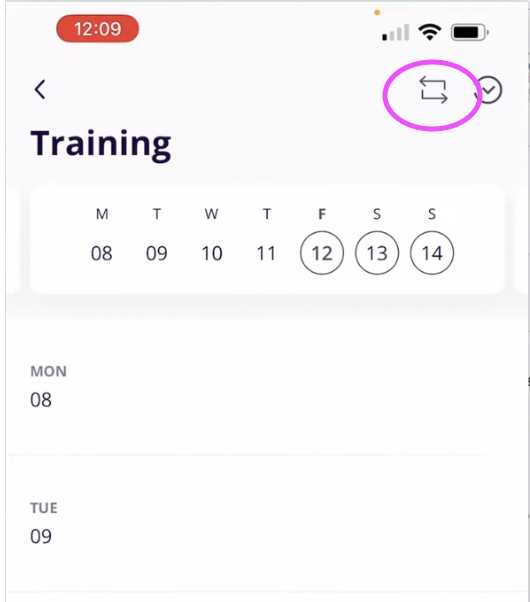
2. Click into the Training Calendar at the top. Select the 'arrows in a square' button in the top right corner.
3. You can rearrange the workouts to different days by selecting the 3 lines to the right of the workout name and dragging them to the day you'd like to complete it on.